CAMO//CTRL
The controller you know. In camo.
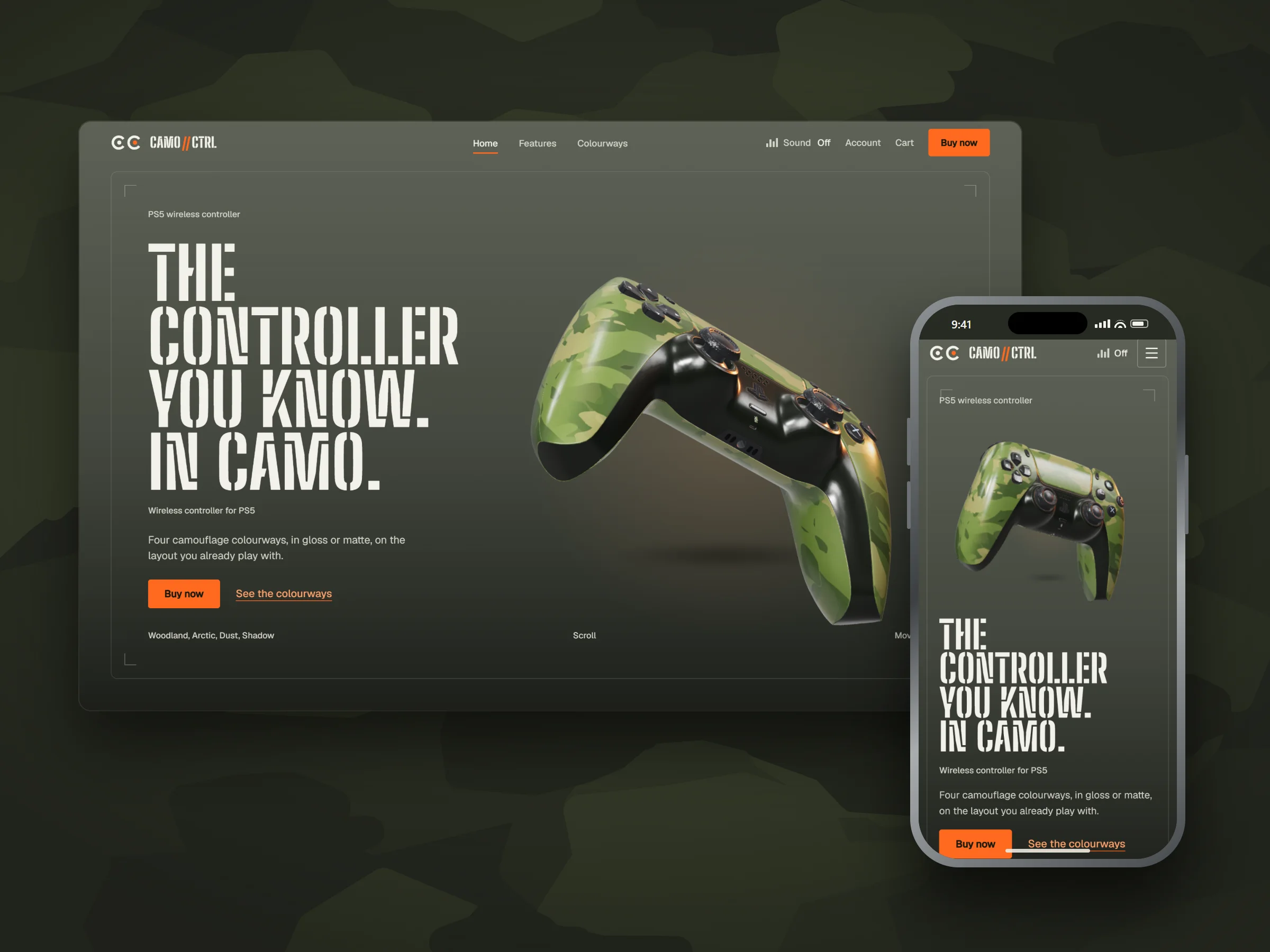
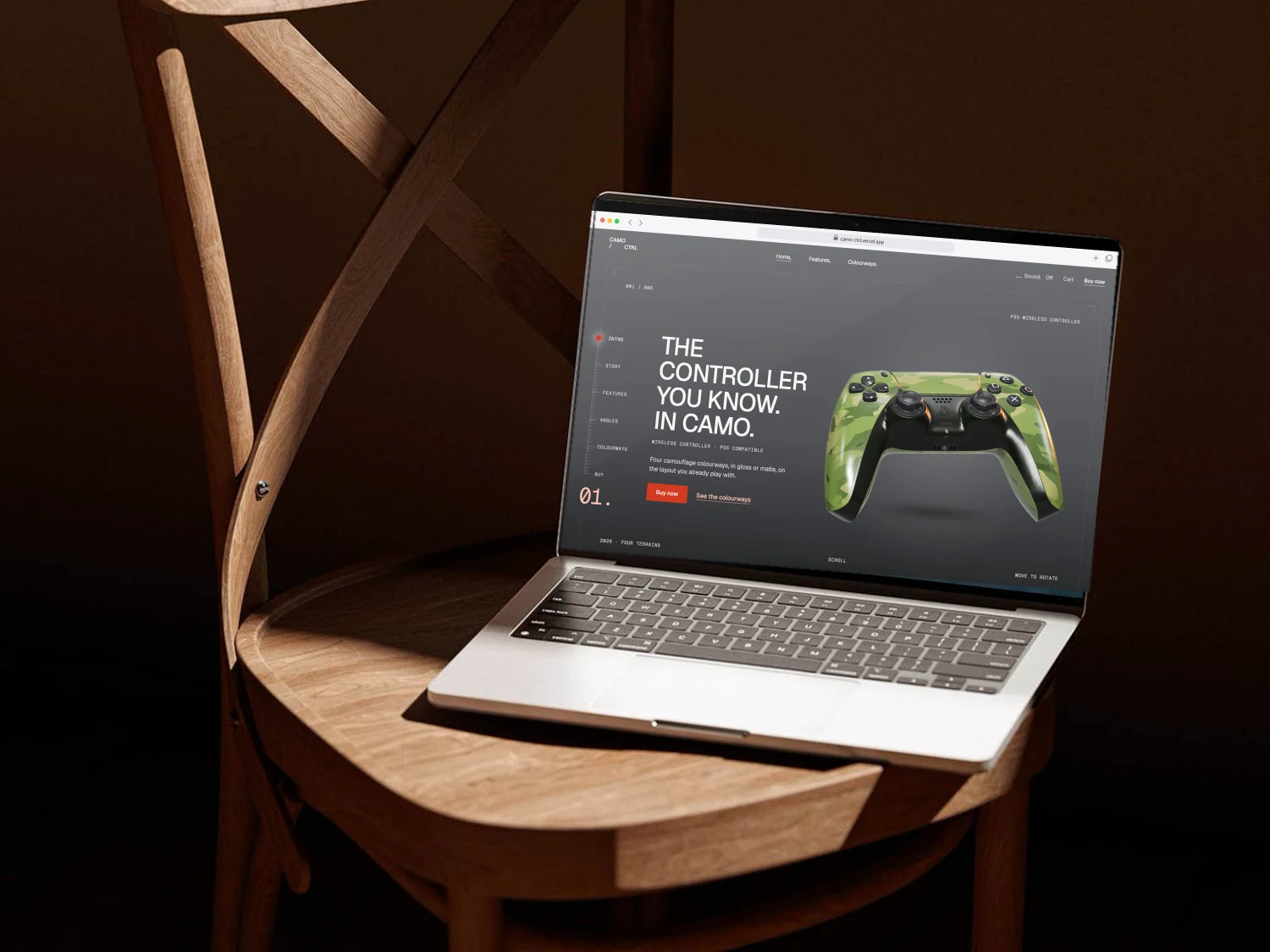
A storefront for camouflage PS5 controllers, built around a live 3D model: it slides in on arrival, turns as you move, and re-skins in four colourways and two finishes.
Visit the live site- Role
- Web design, 3D, front-end build
- Year
- Designed 2024 · built 2026
- Type
- Concept project
Showcase
Approach
Only the product carries the camo. Everything else stays out of its way.
An olive field grey, blaze orange (the colour hunters wear with camo) and stencil crate lettering give the store its own kit, while the controller stays the loudest thing on the page. Every section reserves its own space for the model, so the copy and the 3D never collide, from a wide desktop down to a phone.
- Live 3D · Three.js, under 1 MB
- Colourways · Woodland, Arctic, Dust, Shadow
- Finish · gloss or matte, same price
- Logo · CC drawn as two thumbsticks
- Sound · opt-in camo theme
Colour
- Field#5E6257
- Olive#43473E
- Ground#1D1F1A
- Blaze#FF6A1F
- Ember#FFA36B
- Canvas#F2F1EA
Olive greys from the field, blaze orange for every action. The colourway changes the controller and its light bar, never the page.
Type
Aa
Big Shoulders Stencil
Geist
Choose your colourway.
Stencil crate lettering for headlines only; Geist for everything you read, in plain sentence case. Both self-hosted.
The page
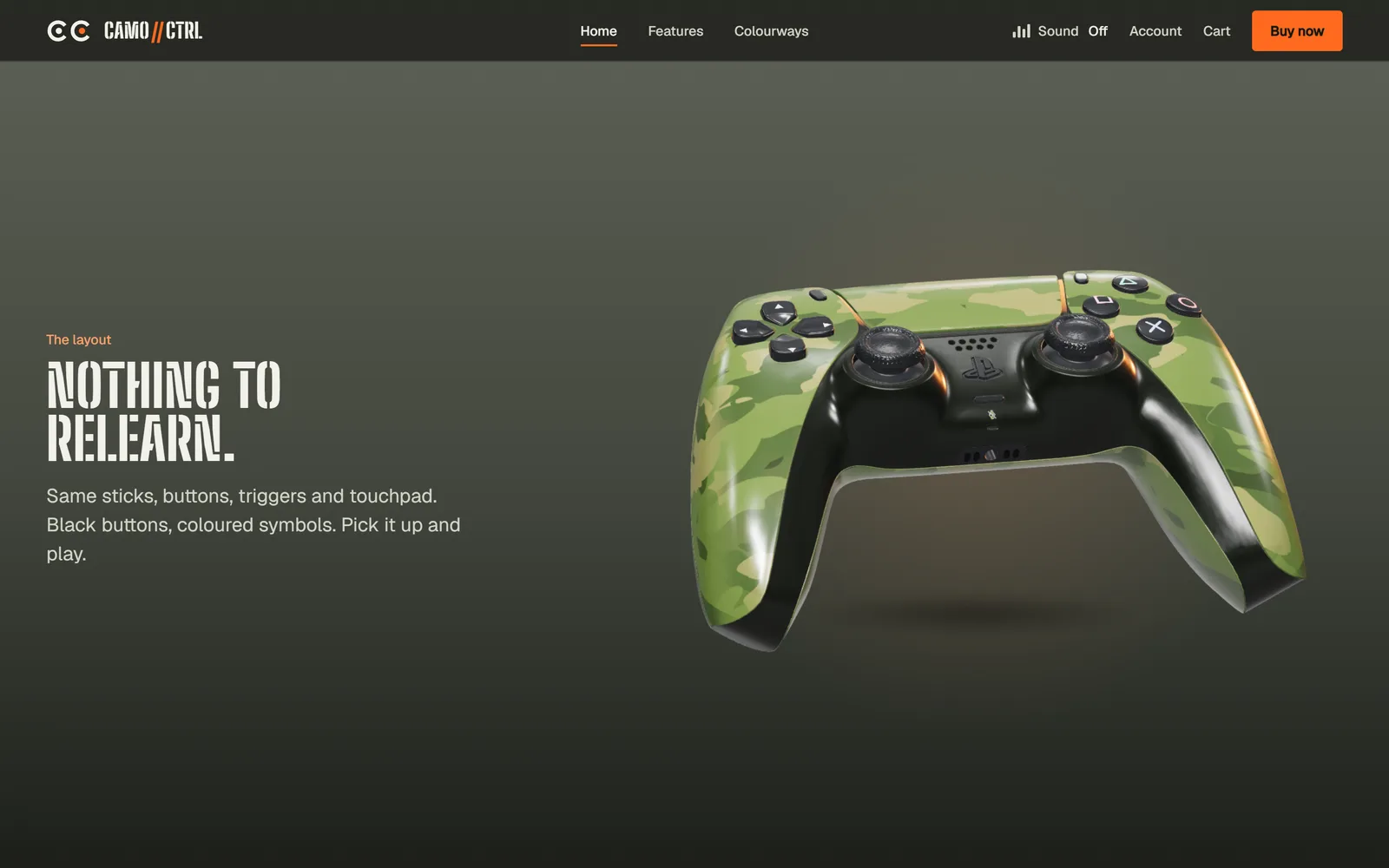
Story
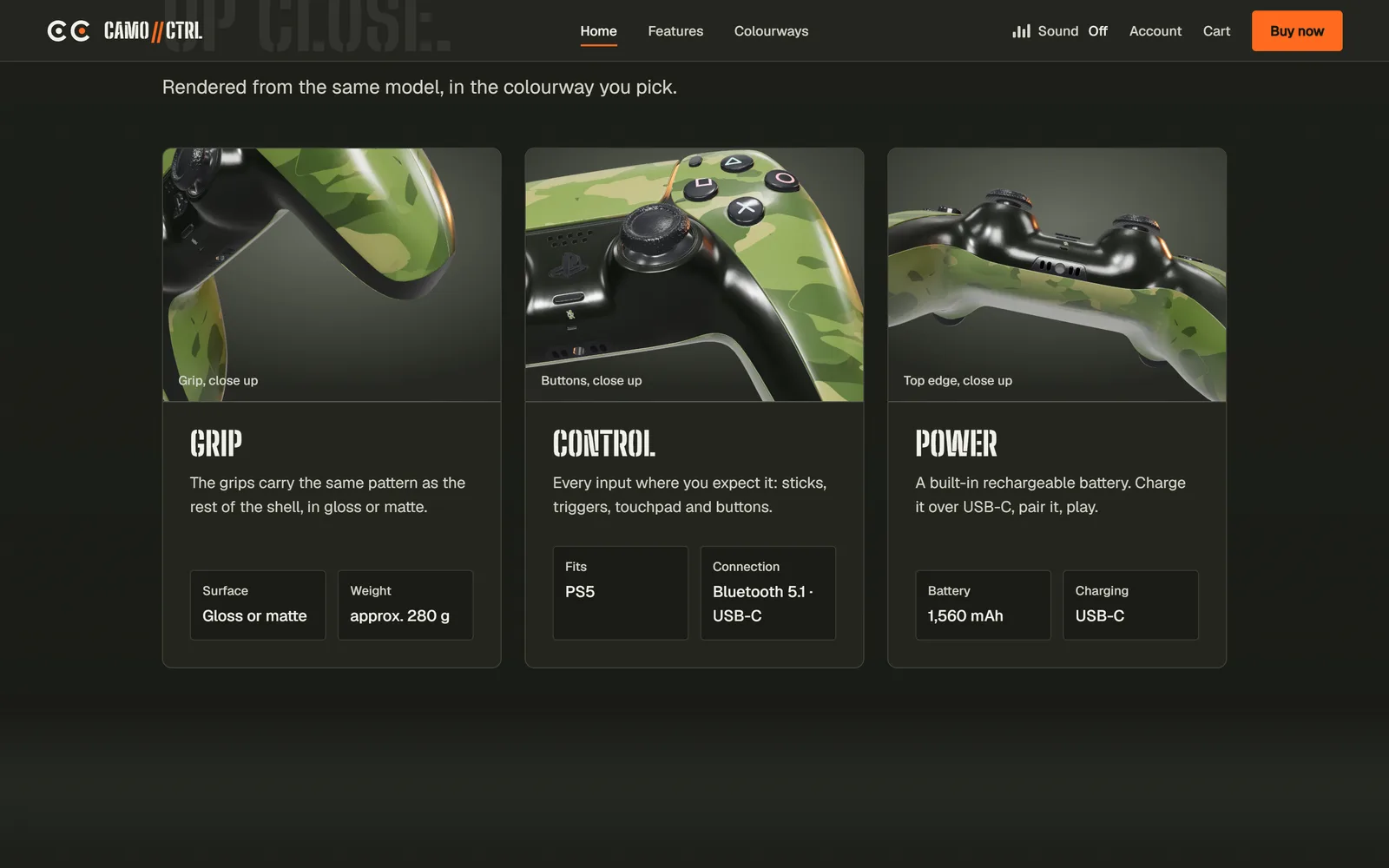
Features
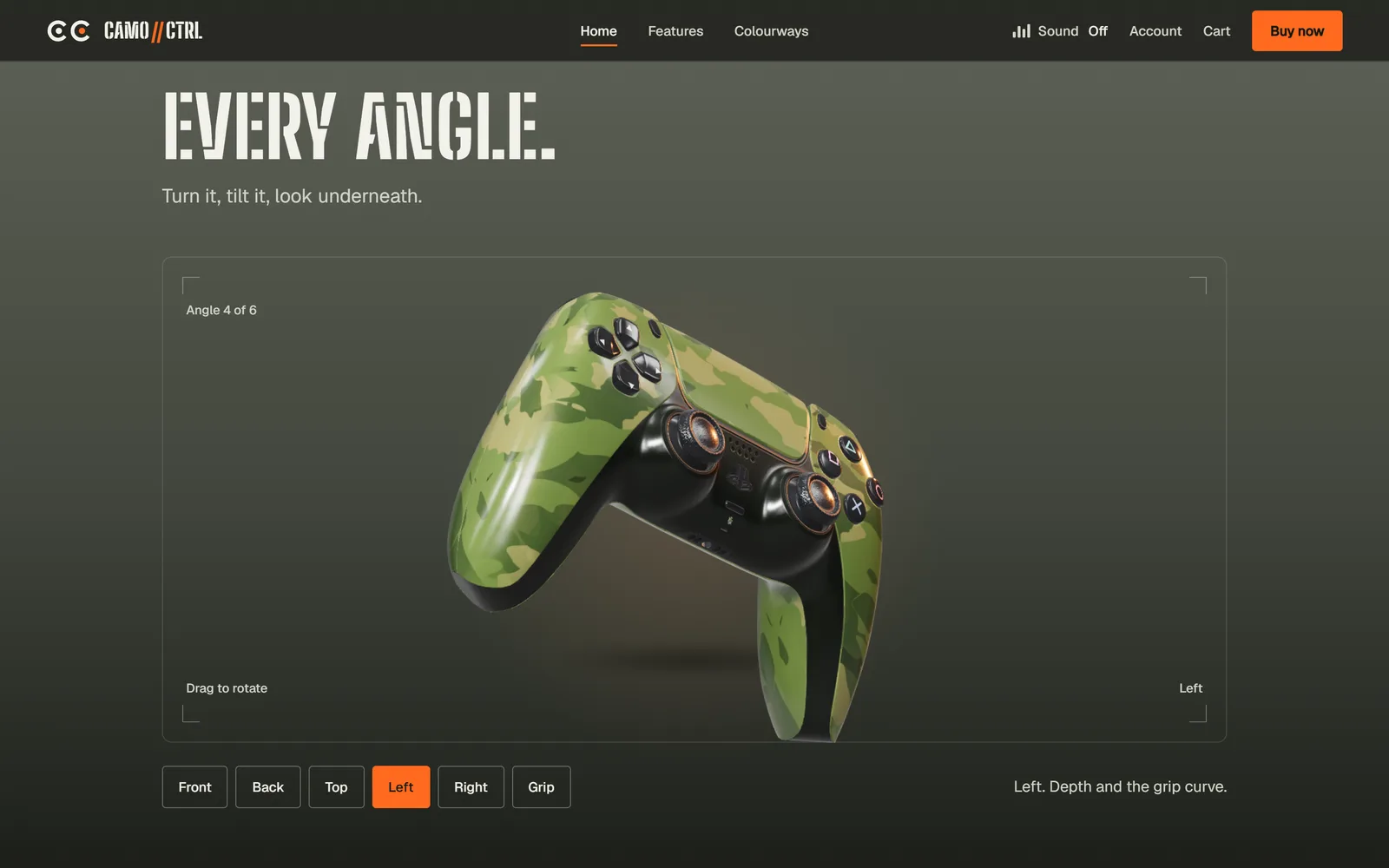
Every angle
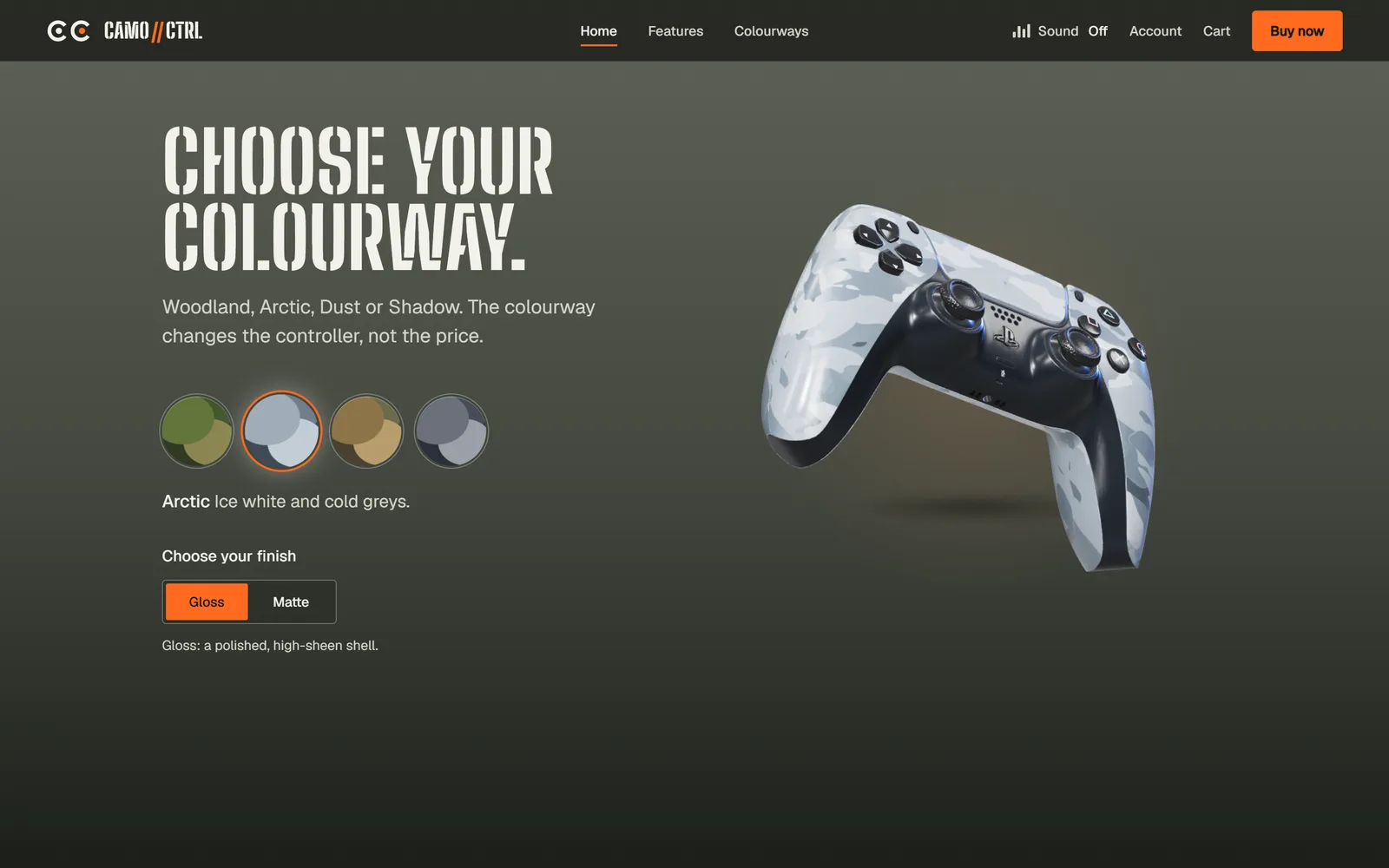
Colourways
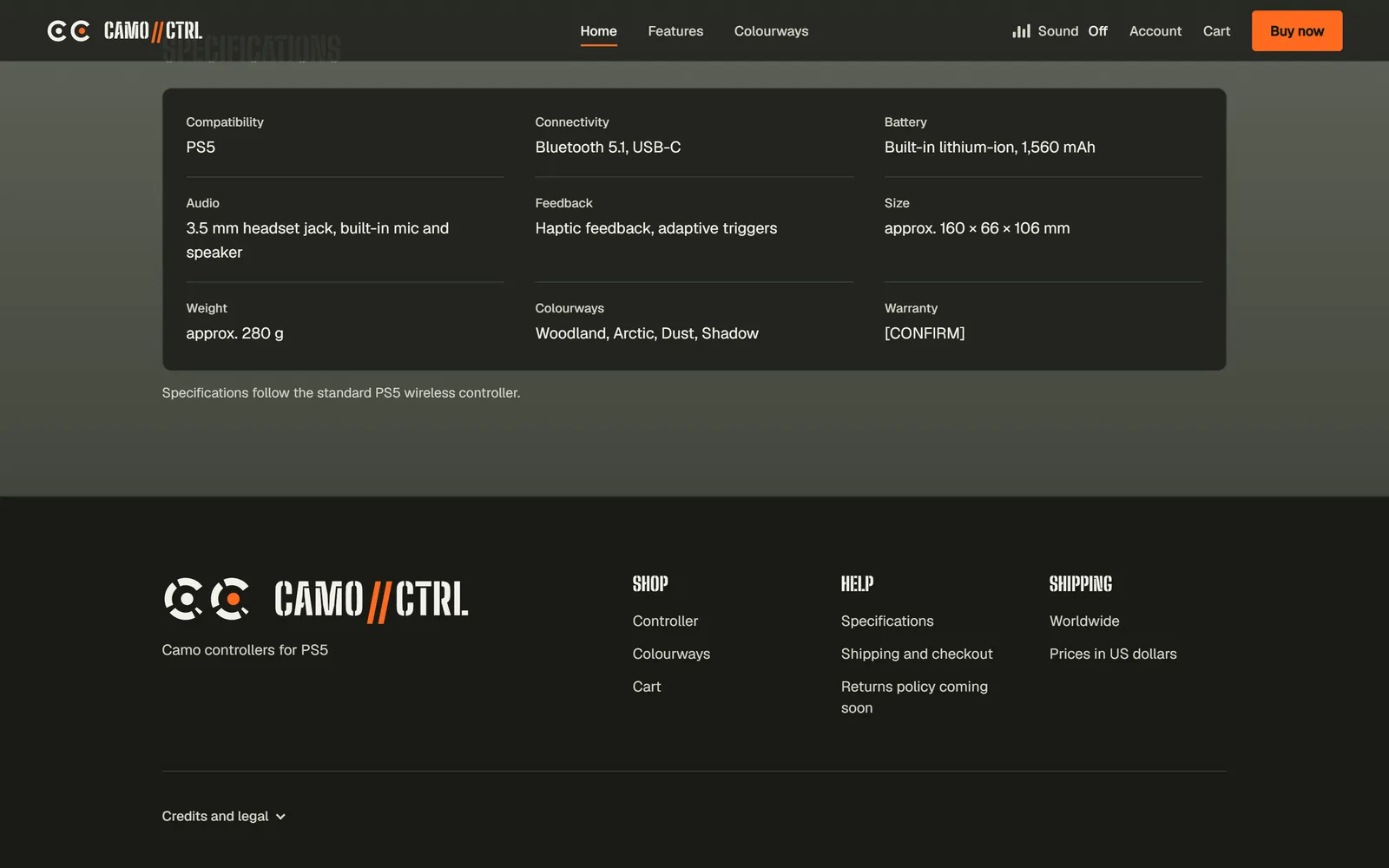
Specs and footer
On a
phone
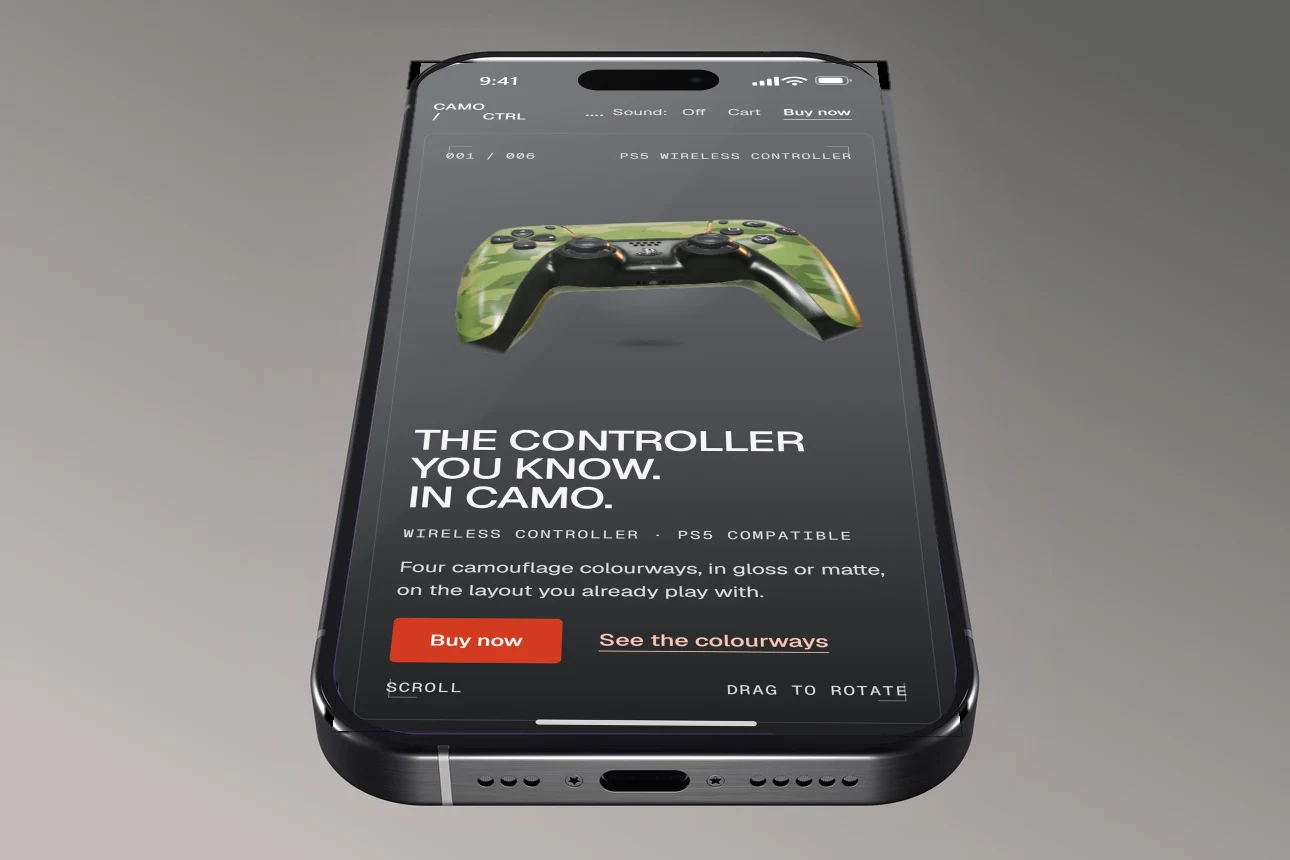
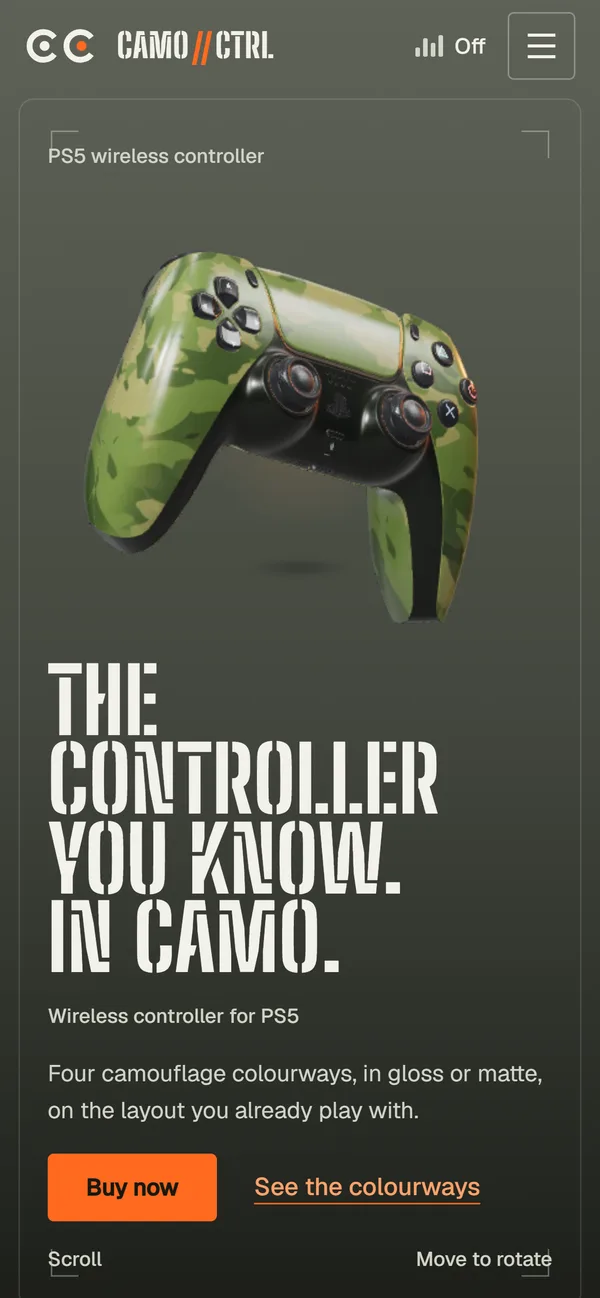
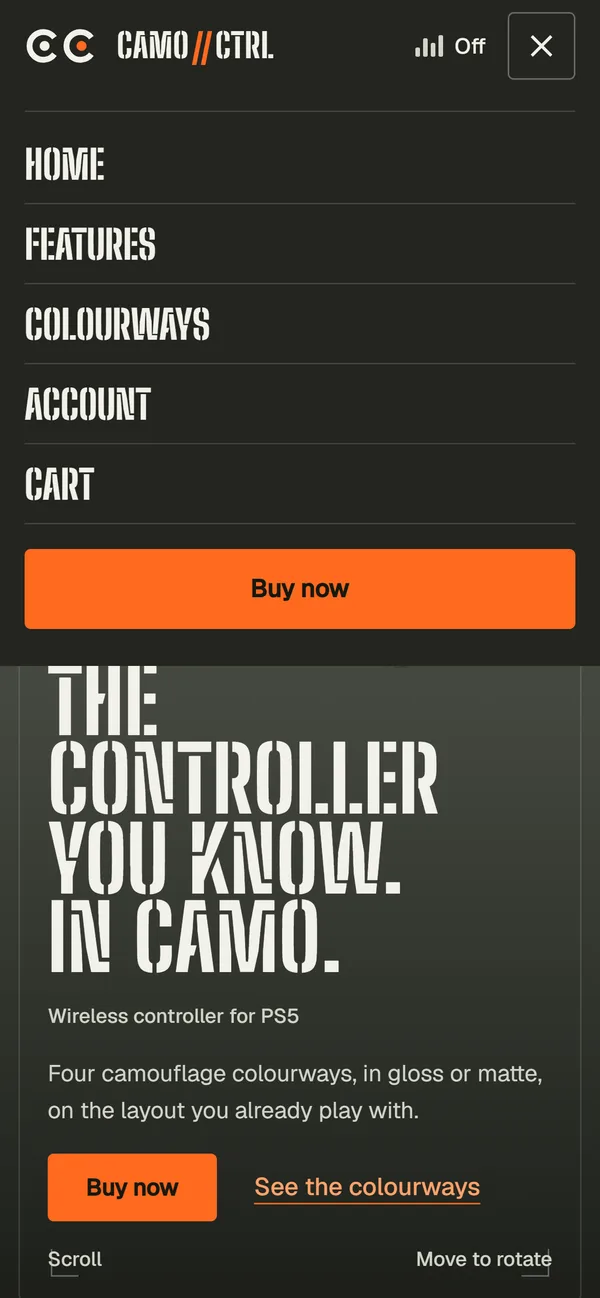
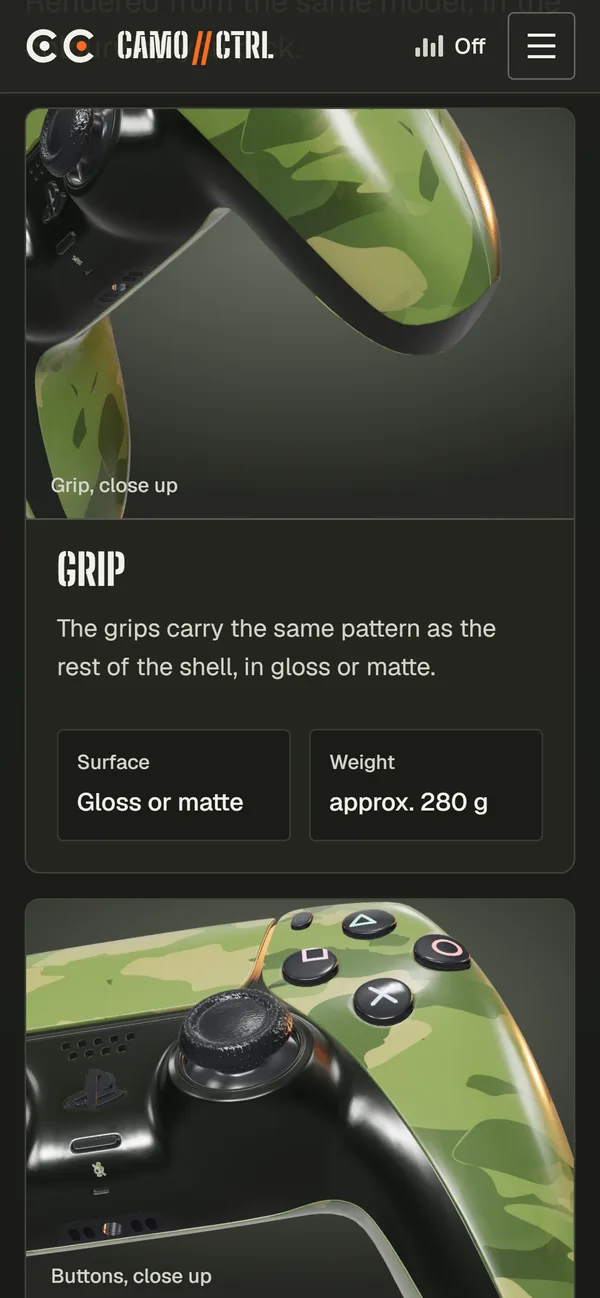
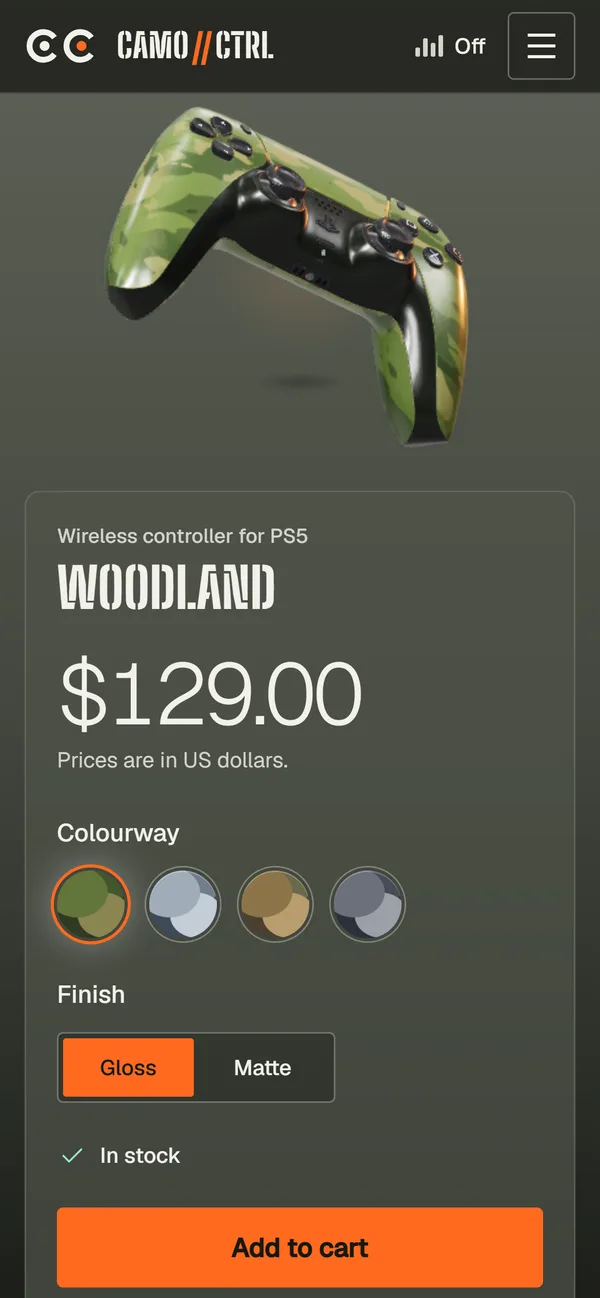
On a phone the model moves above the copy.
Each section stacks: the controller gets the top of the screen, the words sit underneath, and Cart, Account and Buy now fold into one menu.
How it’s
built
Designed and coded by me, end to end.
- Three.js
- JavaScript (ES modules)
- Vite multi-page
- gltf-transform
- Vercel
Architecture
- 01
Pages
Home, product, cart, checkout and confirmation, built by Vite as separate pages
- 02
First paint
HTML and CSS render before any 3D code loads
- 03
Lazy 3D viewer
Three.js loads when the browser is idle, or on tap when data saver is on
- 04
Optimised model
Controller GLB compressed with meshopt and WebP textures
- 05
Cart
Kept in the browser between pages
From the code
Load 3D only after the page has painted
The page works straight away. Calls to the viewer are queued and replayed once Three.js arrives, and on data-saver connections the 3D waits for a tap.
// Loads the 3D engine and model only after the page has painted, and not at all on data-saver
// connections until the visitor asks for it. Until then, calls are queued and replayed.
export function lazyViewer(container, opts = {}, tapHost = null) {
  let real = null,
    frameCb = null
  const queue = []
  const call = (name, args) => {
    if (real) return real[name](...args)
    queue.push([name, args])
  }
  const api = {
    get ok() {
      return true
    },
    get ready() {
      return !!real && real.ready
    },
    snapshot: (...a) => (real ? real.snapshot(...a) : null),
    onFrame(f) {
      frameCb = f
      if (real) real.onFrame(f)
    },
  }
  ;[
    'setHover',
    'setFinish',
    'setColourway',
    'setPreset',
    'setTarget',
    'dragZone',
    'setActive',
  ].forEach((n) => {
    api[n] = (...a) => call(n, a)
  })

  async function load() {
    if (real) return
    const { createViewer } = await import('./viewer.js')
    real = createViewer(container, opts)
    if (frameCb) real.onFrame(frameCb)
    queue.splice(0).forEach(([n, a]) => real[n](...a))
    document.dispatchEvent(new CustomEvent('cc:viewer'))
  }

  const conn = navigator.connection
  if (conn && conn.saveData && tapHost) {
    const b = document.createElement('button')
    b.type = 'button'
    b.className = 'cc-btn view3d'
    b.textContent = 'View in 3D'
    b.addEventListener('click', () => {
      b.remove()
      load()
    })
    tapHost.appendChild(b)
    document.dispatchEvent(new CustomEvent('cc:introdone'))
  } else {
    const go = () =>
      window.requestIdleCallback
        ? requestIdleCallback(load, { timeout: 1200 })
        : setTimeout(load, 200)
    document.readyState === 'complete'
      ? go()
      : addEventListener('load', go, { once: true })
  }
  return api
}
Shrink the 3D model at build time
One command compresses the controller mesh and textures before it ever reaches the browser.
gltf-transform optimize dualsense-original.glb public/models/dualsense.glb \
  --compress meshopt \
  --texture-compress webp \
  --texture-size 2048
Excerpts from a private repository, shared to show how the work is built. Full code walkthroughs on request.
Want something like this for your product?
Design, copy and build, handled by one person.
3D model: “Playstation 5 Dualsense” by AHarmlessPotato, CC BY 4.0, recoloured. Concept work; not affiliated with Sony Interactive Entertainment.